FORMAT STUDIO 01
One file,
your flow intact.
Documents, images, video and audio. Convert to the format you need and carry on with your work.
You can review the conversion flow before choosing a file.
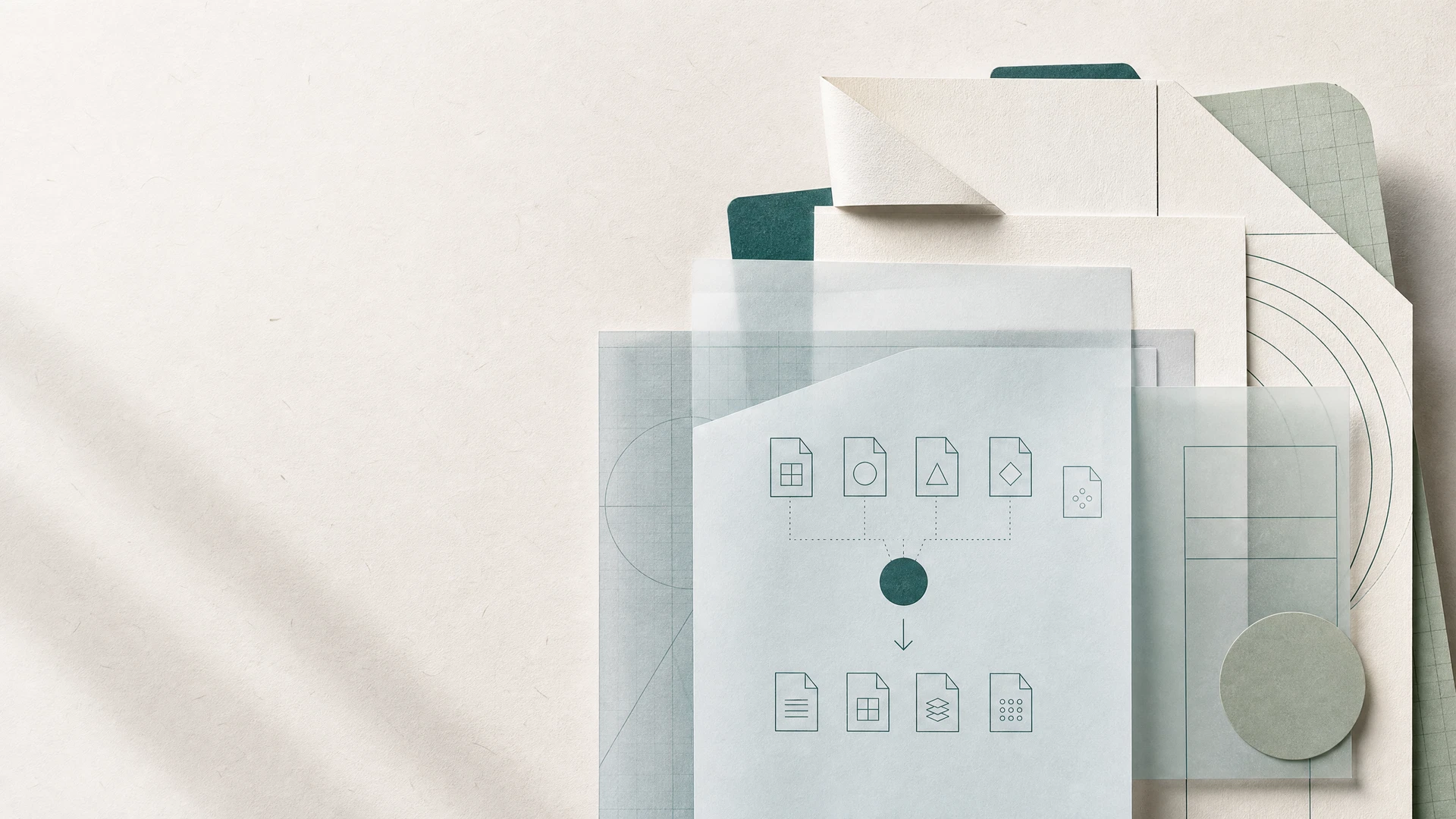
/ START WITH A FILE
FILEOUTPUT
01FILE INTAKE
Drop a file here
or choose one from your device
Output format
Check the file and output format yourself before converting.
LOCAL WORKBENCH LIVE
Files stay on your device,
conversion happens here.
Supported tasks finish inside this browser without sending files to a server. Results are saved straight to your device.
No uploadsNo automatic storage
IMAGE CONVERTER
JPG · PNG · WEBP / up to 25 MBChange image format
Drop or choose imagesJPG, PNG, WEBP · multiple files allowed
Choose a file and it is processed only in this browser.
SELECT A PATH 02
Most-used
conversion tools
Start with what you want to do. Formats and detailed settings follow naturally in the next step.
FORMAT MAPComplex formats, simple flow.
KEEP IT MOVING 03
Three steps
to your next task.
01
Add a file
Pick it from your device or drag it onto the workspace.
02
Choose the target format
Select the output format you want and adjust options if needed.
03
Save and move on
Download a file that fits your task and keep going.
WORK WITH CONFIDENCE 04
With files,
care pays off.
Freecvt puts short guidance and clear status first, so you always understand what is happening while your files are being handled.
Read our privacy principles